5 Ways to Save Money on Your Mobile Phone
Mobile phones now play a big role in our lives. They allow us to stay connected, take and upload pictures, reply to emails, save documents and even video call. So it’s no surprise that we want value for money when buying a new mobile phone.
The latest smartphones cost around £1000 today. Then if you want unlimited texts, unlimited minutes and mobile data you’re looking at an ongoing monthly cost too.
Save Money on Your Mobile:
If you’re tired of expensive phone bills, there are plenty of ways to cut down on your mobile phone expenses without sacrificing quality or convenience. Follow these 5 tips to save money on your mobile bill or save money when buying a new phone.
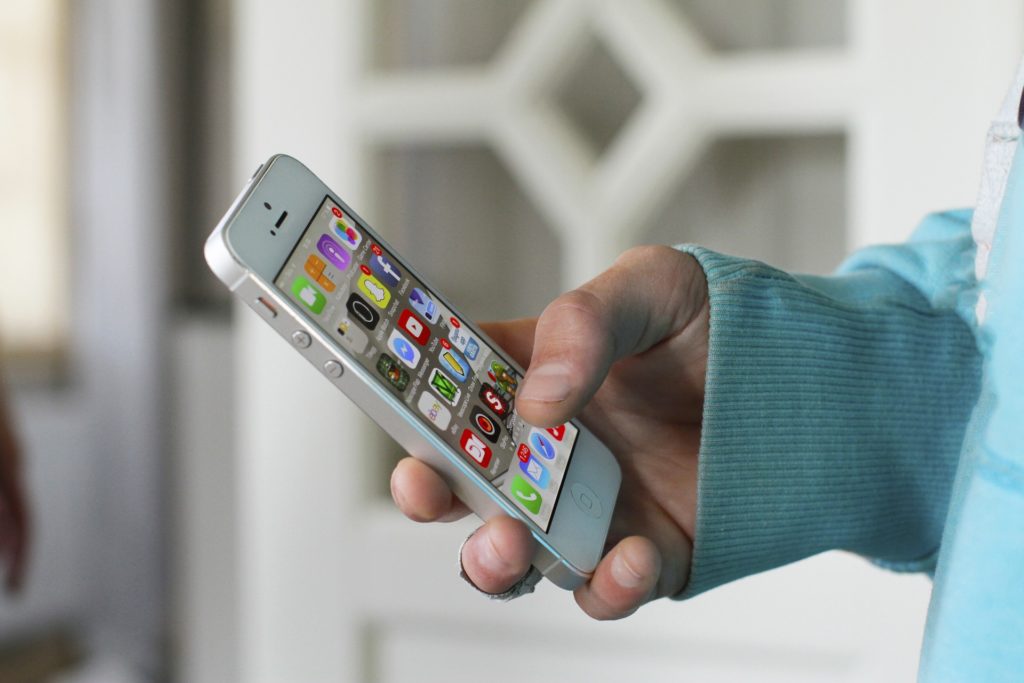
5 Ways to Save Money on Your Mobile Phone
Switch to Sim-only
Choosing the buy your mobile phone upfront and finding a sim-only deal is often much cheaper than getting a phone with a long contract. In fact, 46% of us waste an average of £92 just by staying in phone contracts that are past their expiry.
With a sim-only deal, you’ll still pay for calls, texts and data, but the monthly cost will be lower than it would be with a regular pay-monthly mobile contract. That’s because you’re just paying for the sim-card, rather than paying off the cost of a new phone too.
Sim-only is an area where competition from providers is high and extremely competitive deals can be found. This means that it’s easy to find a cheap sim-only deal. For example, I pay £9 a month for my sim-only deal from Three that includes 8GB data and unlimited texts and minutes.
If you choose to switch to Three you can get up to £40 cashback by using my Three promo link.
Buy a Refurbished Mobile Phone
By buying a refurbished phone you can save £100’s compared to buying a brand new phone. I have a refurbished iPhone X that costs £479 from giffgaff; to buy new it would set me back between £649-£899. That’s a massive saving of £200-£400!
Refurbished phones are examined and repaired by a tech savvy specialist. The repair process involves resetting a used phone to it’s factory settings, checking the condition of the phone and ensuring everything is in working condition. After the repair process the phone should function the same way as a brand new phone. Most retailers offer a 12-month warranty on their refurbished phones so no need to worry about it being faulty or not working
Download Airtime Rewards
The Airtime Rewards app is one of my favourite money saving tools. Once you’ve downloaded the Airtime Rewards app and connected your debit/credit card(s) you’ll begin earning money every time you shop at selected retailers. Airtime Rewards retailers currently include Morrisons, Wilko, Boots, Argos, The Body Shop and they’re adding more every day!
Once you’ve earned £10 in Airtime Rewards credit you can use this money to pay towards your next phone bill. Download the Airtime Rewards app and use code D4E3EPAA for a £2 sign up bonus when you first create an account & buy a gift card within 7 days.

Save Money on Your Mobile Phone
Look after it
By looking after your phone you will reduce the chance of it breaking, therefore not having to buy a new phone as soon or pay to repair it. Here are some of the things you can do to protect your phone:
- Use a screen protector. If the screen shatters your phone won’t be able to function. Use a screen protector made of a thin tempered glass to prevent it from breaking.
- Get a phone case. A good quality phone case will protect your device in the event that you drop it.
- Avoid putting your mobile phone in your back pocket. Not only does this make you an easy target for a phone thief but it can also bend your phone slightly.
- Don’t store your phone with other metal objects. Avoid keeping your phone in the same pocket as your keys as they may scratch your phone.
- Avoid water. Ensure that your phone does not get in contact with water by keeping it in a waterproof bag when you’re at the beach, walking in the rain or near to water.
- Keep your phone out off the sun. Exposing your phone to heat can damage the internal components of the device which could results in reduced battery life.
Set a spending limit
Stay on top of your mobile phone usage by regularly checking your account statements and monitoring your data, minutes, and text usage. Set up usage alerts or notifications to warn you when you’re approaching your limits, so you can adjust your usage accordingly and avoid costly overage fees.
Most mobile contract providers allow you to set a spending limit (or spending cap). By setting a spending limit you’re preventing yourself from going over your contracted allowance. Go over your allowance and you could wrack up a big unexpected bill.
It’s usually the case that your provider will notify you by text when you’ve reached your spending limit. If you’re on a call when you reach the spend limit, you will usually hear a voice message letting you know that you’ve reached the limit and your call will be disconnected. To set a spending limit (or cap) you will need to contact your provider either by call, text or using an app or live chat function.
Money Saving Apps
So this might not help you save money when buying a new phone but by downloading these apps you will be able to save money because of your phone.
- Chip – Chip offers an autosave feature and market-leading interest on savings.
- Snoop – Snoop gives you an oversight into your bills and provides recommendations to help you save money.
More Ways to Save Money
6 Ways To Reduce Your Monthly Bills
7 Things I’ve Done This Year to Save Money
Money Swaps: Simple Swaps To Save Money!
Those are just some of the ways that you can reduce the cost of your mobile phone. I’d love to know how else you’re saving money on your phone/reducing the cost of your monthly phone bill. Let me know in the comments below.